
Add Vessel
Create an identity using vessel name, MMSI and vessel type. User recordings are stored under Sound Library/Vessel Identities.
Acoustic Detection Model Trainer · Tab two
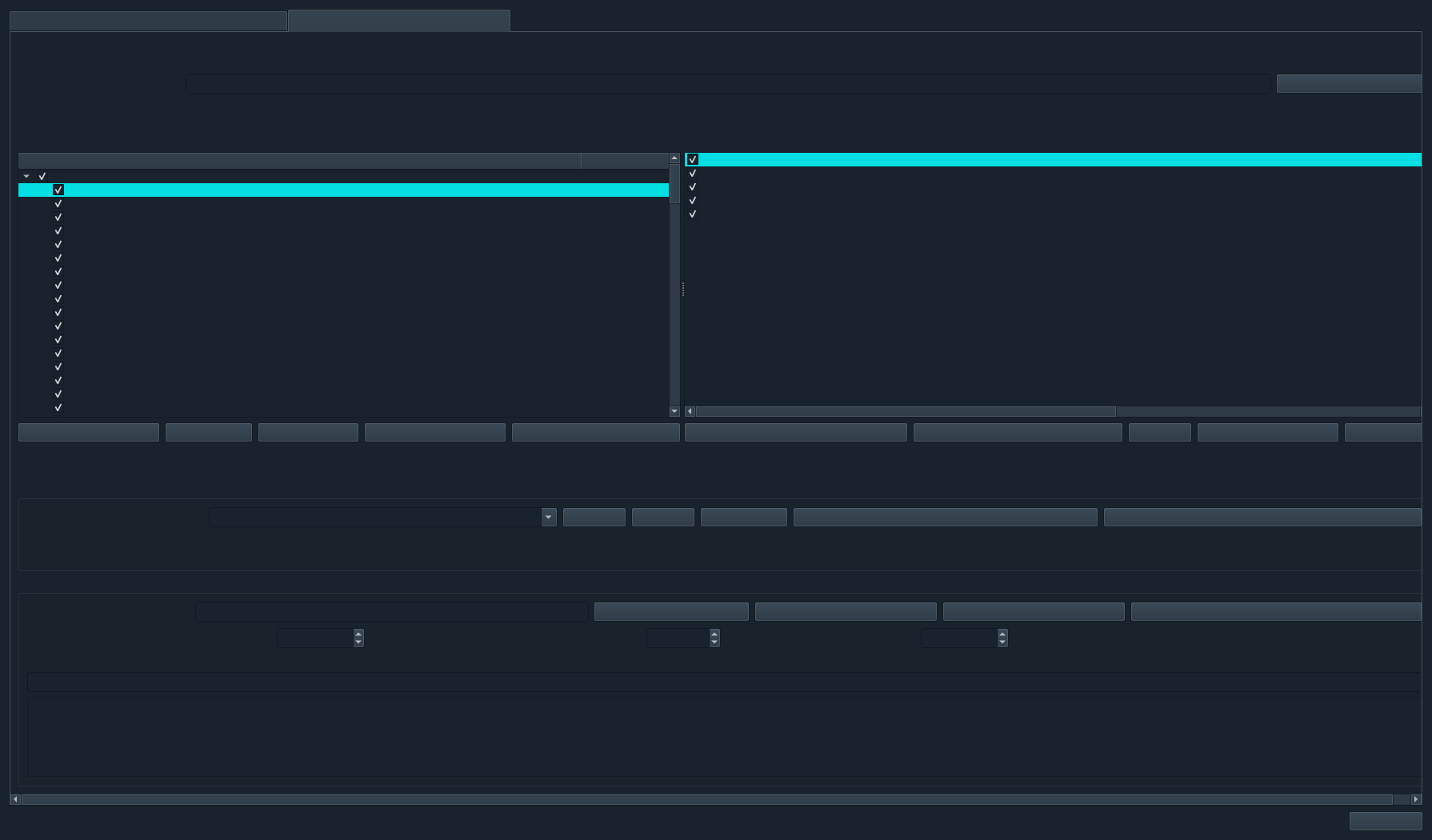
The Vessel Identity Model Trainer organises recordings by vessel type and MMSI, groups adjacent clips into encounters, visualises representative signatures and trains named models to distinguish individual known vessels.
What this trainer answers
This trainer is designed for identity-level recognition. Each class represents a known vessel, normally anchored by MMSI, rather than a broad sound category. Vessel type remains useful for organisation, but the learned prototypes represent individual identities.
The Sound Source trainer can distinguish Vessel from Orca, Sonar or Background. The Vessel Identity trainer operates after the relevant audio is known or suspected to contain a vessel and asks which trained identity is the closest match.
Real deployments contain vessels absent from the library. An adjustable similarity cutoff allows the model to return Unknown vessel rather than forcing every recording into a known MMSI.
Vessel Library controls
Create an identity using vessel name, MMSI and vessel type. User recordings are stored under Sound Library/Vessel Identities.
Change a vessel’s display name without discarding its stable MMSI association.
Copy WAV or FLAC recordings into the selected vessel’s managed folder and manifest.
Send a selected WAV to the main workspace for waveform, spectrum and spectrogram inspection.
Audition vessel examples directly and identify poor, silent or contaminated recordings.
User recordings move to a recoverable .excluded folder; downloaded PORTIA references remain read-only.
Selection and encounters
Checkboxes operate at vessel-type, MMSI and individual-file levels. Select All and Deselect All provide the same bulk workflow as the Sound Source tab. The selected file set is passed directly into training, allowing distinct models to use different subsets of the same library.
Analyze assigns adjacent clips from one MMSI to a shared encounter using their timestamps. By default, a gap greater than 30 minutes begins a new encounter. Encounter IDs remain visible beside each file.
The library reports encounters crossing training, validation and test splits. Batch verification automatically excludes any held-out encounter that also contains a training clip.
Vessel signature workspace
Review MMSI, type, window totals, train/validation/test counts and whether each identity is currently trainable.
Compare channel-specific frequency-energy structure using PyQtGraph and the application colour theme.
Inspect the representative recording’s time-frequency pattern for tonal machinery and broadband components.
Play a model-representative WAV and connect the numerical signature to the audible recording.
Preserve available hydrophone channels so channel-specific spectral structure remains visible instead of being collapsed prematurely.
The signature window remains inside the available desktop and keeps controls reachable above the taskbar.
Step-by-step
Model and outputs
| Stage | What it does | Why it matters |
|---|---|---|
| Spectral bands | Summarises absolute-frequency energy and short-term level statistics from active hydrophone channels. | Captures tonal and broadband machinery structure. |
| Standardisation and PCA | Scales features and removes redundant dimensions. | Produces a compact representation from high-dimensional spectra. |
| Linear discriminant embedding | Finds directions that separate the trained MMSIs. | Focuses the space on differences among known vessels. |
| Cosine prototypes | Stores a normalised centroid for every vessel identity. | Supports similarity ranking and representative-file selection. |
| Unknown cutoff | Rejects the best candidate when similarity is insufficient. | Avoids forcing every deployment sound into a trained identity. |
Batch verification
The verifier reports expected MMSI, predicted identity, cosine similarity, strongest alternative, split, encounter and result status for every available held-out file. It then calculates file accuracy, encounter-majority accuracy and expected-to-predicted confusion counts.
Encounter-majority accuracy is usually the more meaningful summary because adjacent clips within one passage are correlated. Close alternative scores identify vessel pairs that need additional independent data or more varied operating conditions.
Read the complete batch-verification guide →
Decision support: a close acoustic match does not prove identity. AIS association, competing vessels, propagation conditions and analyst review remain important.
Related machine-learning tools
We can demonstrate library organisation, signature review and encounter-aware verification.