
Acoustic Detection Model Trainer · Tab one
Teach Analyze which kinds of sound are present.
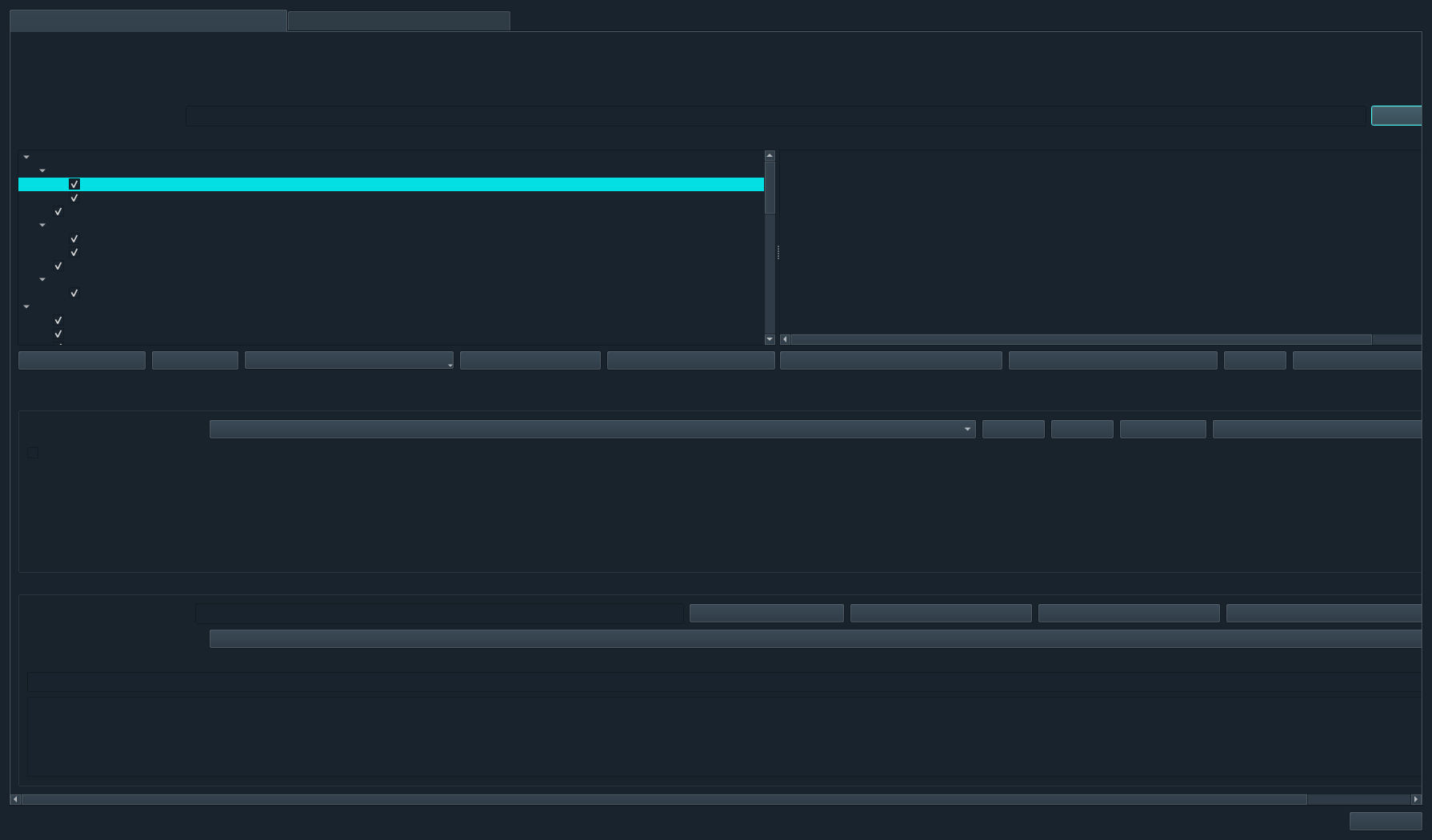
The Sound Source Model Trainer builds classifiers for acoustic categories such as marine mammals, fish, vessels, sonar, pile driving, seismic activity, electrical noise and background. The analyst controls the library, target classes, model profile and verification evidence.
What this trainer answers
“What produced this sound?”
This trainer separates broad or specific acoustic classes chosen by the user. A class can be a high-level source such as Vessel or Natural Sounds, a species such as Orca or Sperm whale, or a project-specific signal type. Folder structure defines the labels, making the training material inspectable outside the model.
Different from vessel identity
The Sound Source model predicts a sound category. It is not intended to distinguish one individual vessel from another. That task uses the separate Vessel Identity trainer and MMSI-labelled recordings.
Human-readable by design
Every training example remains available for listening, loading into Analyze, relabelling or removal. The model package never replaces the underlying evidence.
Model-assisted spectrogram review
Turn the active model into reviewable annotations.
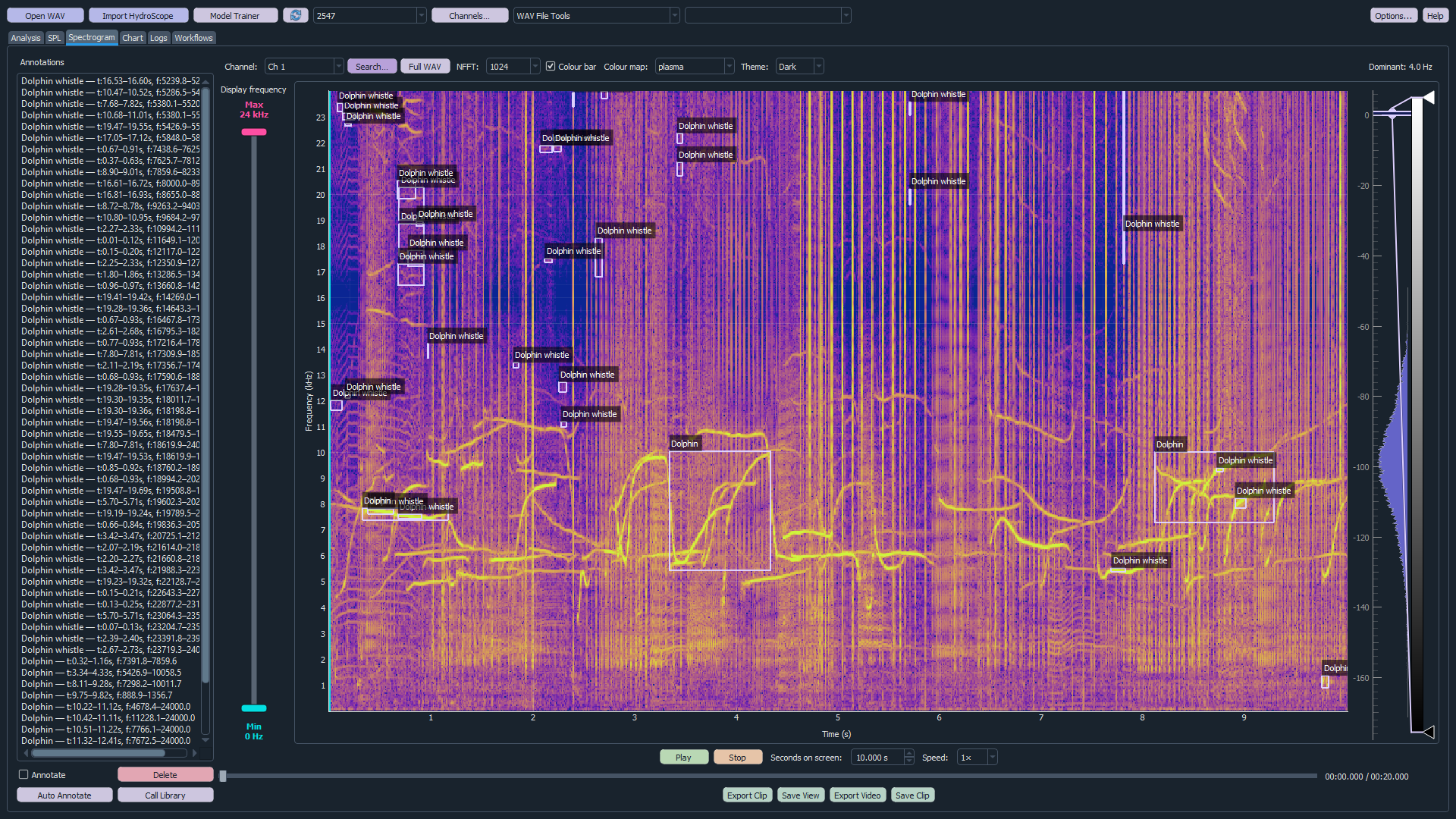
Auto Annotation proposes labelled time-frequency boxes on the spectrogram. The analyst can inspect each candidate in context, listen to the signal and accept, correct or reject the suggested class.
Step-by-step
Train a sound-source model profile.
- Curate the library. Add representative labelled audio and listen to questionable files.
- Select target classes. Use tree checkboxes, Select All or Deselect All.
- Create or choose a profile. Profiles retain a reusable target-class selection.
- Choose Other Known Sound. When enabled, unselected library classes contribute counterexamples rather than disappearing from training.
- Select the feature model. Analyze v2 uses richer multi-scale, absolute-frequency features; a portable v1 feature model also remains available.
- Train or retrain. Analyze extracts or reuses cached features, trains the selected profile and reports progress and held-out results.
- Verify independent recordings. Run files not used during training and investigate mismatches or ambiguous alternatives.
- Activate the trained model. The selected profile becomes available to Auto Annotate and other classification workflows.
Profiles and model lifecycle
Maintain several models without overwriting the reasoning behind them.
| Control | Purpose | When to use it |
|---|---|---|
| New | Create a named selection of target classes. | Separate projects, taxa, frequency ranges or deployment conditions. |
| Save | Persist the current class selection and options. | After changing profile targets or Other Known Sound behaviour. |
| Delete | Remove an unwanted profile definition. | When an experimental profile is no longer required. |
| Activate Trained Model | Choose which trained profile operational tools should use. | After verification supports deployment of that version. |
| Model History | Restore a model archived before retraining. | When a newer dataset or model performs worse. |
| Verify Model | Evaluate independent audio and expose predictions and alternatives. | Before activation and after every meaningful retrain. |
Verification and improvement
Use errors to improve the library.
Batch verification shows the expected class, predicted class, confidence, agreement across windows and strongest alternative. A confusion matrix reveals systematic class pairs rather than hiding them inside overall accuracy.
Review ambiguity
Low confidence, disagreement across windows and near-tied alternatives should trigger listening and spectrogram review. Ambiguous library material can be quarantined from training while remaining recoverable.
Return reviewed decisions
Auto Annotation retains the original model guess alongside the analyst’s accepted, corrected or rejected decision. Reviewed clips can become improved positive examples or Background counterexamples for the next model version.
Use independent evidence: do not evaluate a model using copies or adjacent excerpts of the same recordings used during training.
Related machine-learning tools