
Channel-aware processing
Preserve channel roles for pressure and directional components.
Directional acoustic processing
Analyse directional sensor recordings, preserve the channel geometry, calculate bearing information, inspect the supporting signal and relate detections to positions on the project chart.
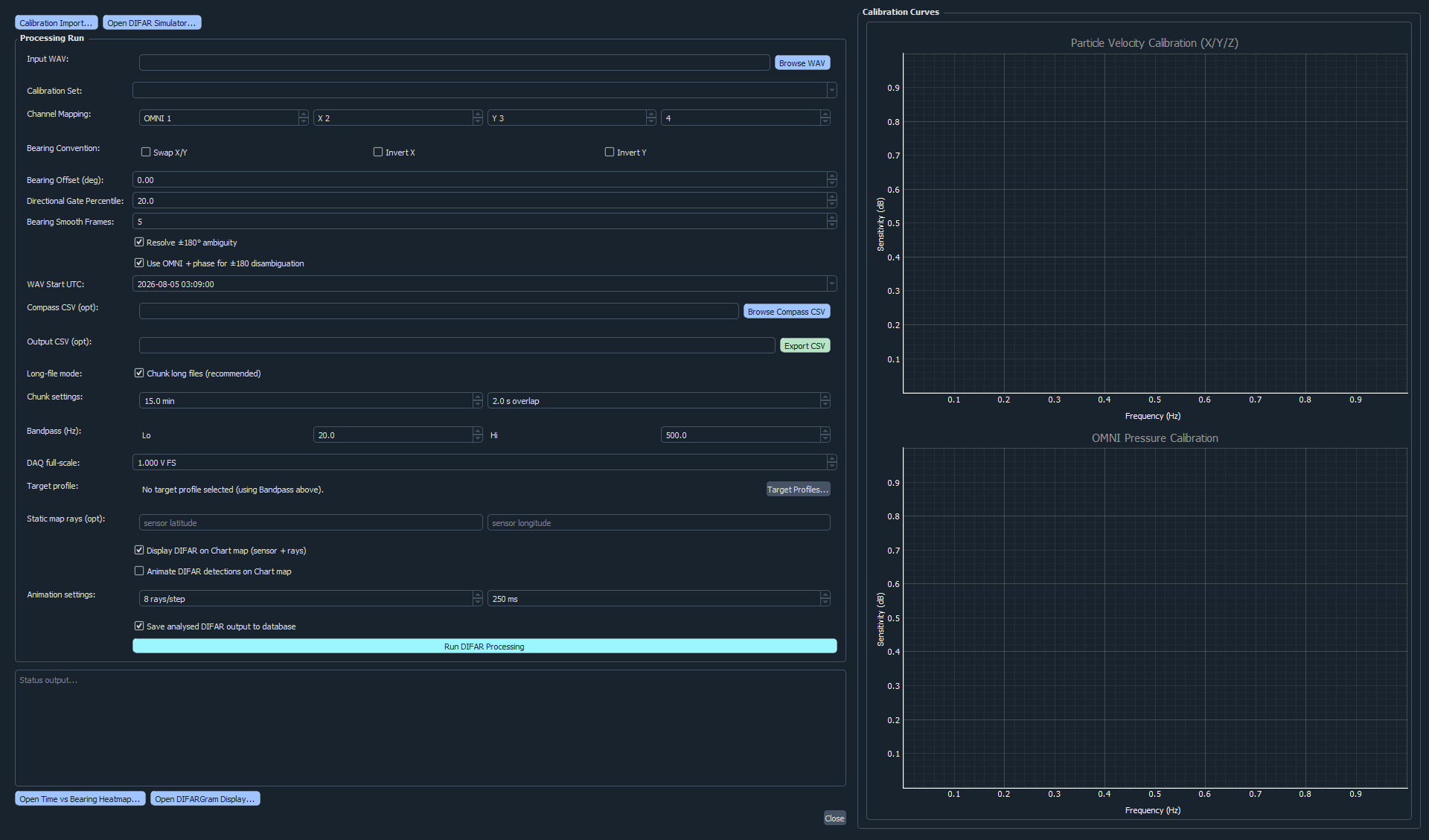
Directional workflow
DIFAR interpretation requires more than a bearing number. Analyze keeps the directional result beside the channel configuration, time region, frequency content, project location and exported evidence used to produce it.
The DIFAR simulator produces known directional scenarios that can be processed through the same workflow. This provides a repeatable way to evaluate channel mapping and compare estimated bearings against the simulated truth.
Designed for review
Preserve channel roles for pressure and directional components.
Use waveform, FFT and spectrogram evidence around each event.
Review directional output alongside frequency and event timing.
Relate rays and detections to tracks, fixed sensors and geography.
Review sparse or changing directional events in chronological context.
Generate controlled DIFAR data and compare processed results with truth.
DIFAR questions
Yes. Directional channel roles can be assigned and retained while the recording is inspected and processed.
Yes. The Chart workspace can combine directional results with imported vessel tracks and fixed project positions.
Yes. Controlled simulator data can be generated and used to compare known and processed bearings.
A focused demonstration can use your directional sensor format or a controlled DIFAR simulation.